
In 2026, balance matters more than raw power alone
The most common mistake is confusing raw power with smart buying. A spectacular component on paper is not enough to make a good machine. A credible gaming PC is built around a coherent whole, where real-world performance, cooling, platform balance, stability, and long-term usability all meet.
Talking about a graphics card, a processor, or “good RAM” is not about stacking numbers the way a spec-sheet contest would. What really matters is perceived smoothness, noise levels, stability under load, and how accurately the price matches the experience you actually get.
It is better to start with usage than with a catalog. What resolution will you actually play at? Are you mainly targeting esports, big AAA games, ray tracing, content creation on the side, or mobility? Once those answers become clear, the right configuration tends to reveal itself much more naturally.
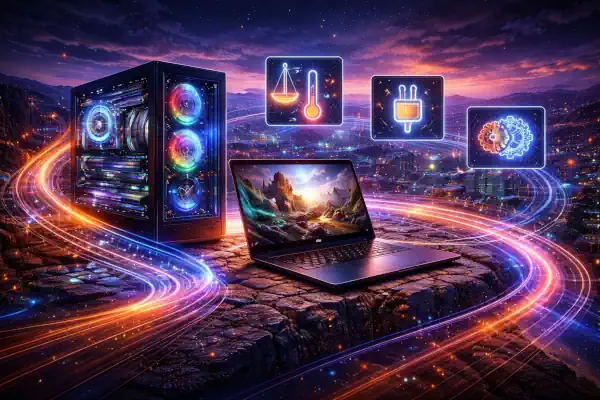
A successful gaming setup never depends on a single headline component. It relies on balance between the GPU, CPU, system memory, cooling, and your target resolution.
Practical guidance: which configuration fits the way you play?
For competitive gaming at 1080p, a modern mid-range foundation is already very credible, with a GPU in the RTX 5060 or RTX 5070 class and a recent processor such as a Ryzen 7 or Core Ultra 7. This territory favors fluidity and high frame rates, which often matter more than visual extravagance.
For recent AAA titles at high or ultra settings, the target shifts toward RTX 5070, RX 9070, or higher-tier GPUs, paired with 32 GB of RAM and a CPU strong enough to avoid imbalance. At 1440p, that system-wide coherence matters even more, because even small hardware weaknesses become easier to feel.
Simple benchmarks to keep in mind
- Competitive 1080p: prioritize frame rate and solid CPU/GPU balance
- Versatile 1440p: stronger GPU and 32 GB of RAM recommended
- Frequent ray tracing: higher-tier graphics card and real thermal headroom
- 4K or creation plus gaming: enthusiast-level hardware and a more demanding budget
The most important thing is to avoid the classic mistake: overspending on one flashy component while neglecting the rest of the machine. A good system is not the one that looks the most impressive. It is the one that stays healthy, stable, and coherent over time.
Resolution, 1080p, 1440p: the real starting point
Resolution is the number of pixels displayed on screen. The higher it goes, the sharper the image becomes, but the heavier the workload on the graphics card. That is why resolution should often come before the budget: it immediately sets the level of performance your machine will need to deliver.
In 2026, 1080p remains the most rational baseline for many players. It allows excellent fluidity, especially in competitive titles, without forcing you into an unnecessarily expensive system. 1440p, on the other hand, brings a real visual leap, but it also demands a stronger graphics card, better cooling, and a stricter overall balance.
Moving from 1080p to 1440p is therefore not just a simple settings change. It is a real jump in hardware requirements. A machine that is well designed for 1080p is not automatically credible for sustained 1440p gaming, especially once ray tracing or particularly demanding games enter the picture.
Graphics card, GPU, ray tracing: the factors that make the difference
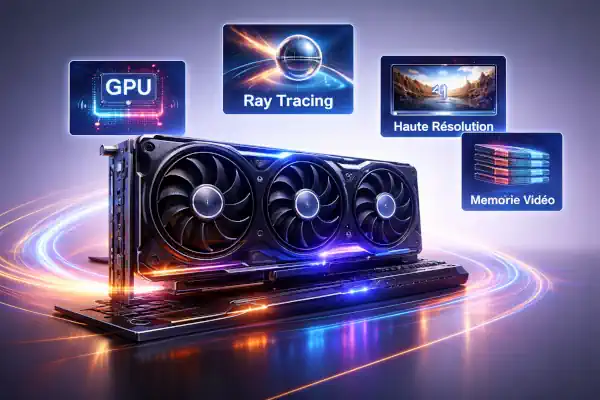
The graphics card is the component that renders the game image. Its computing core, the GPU, handles most of the visual workload: textures, shadows, effects, high resolutions, detail levels, and overall smoothness. In the vast majority of gaming builds, it is the part that most directly shapes in-game comfort.
What you should look at is not just an appealing commercial label, but the real GPU class, video memory, position in the lineup, and thermal behavior. Two machines marketed as “gaming” can offer very different levels of performance despite looking similar on the outside.
Ray tracing simulates light more faithfully and can noticeably improve visual atmosphere, but it comes at a high cost. It should never be treated like a simple marketing bonus. To enjoy it properly, you need a solid graphics card and a system capable of absorbing that extra workload.
The processor, the CPU, and foundational stability: a role that is often underestimated
The processor, or CPU, drives the overall system logic and much of the living structure inside a game: scripts, physics, artificial intelligence, interactions, and world management. A gaming PC never depends on the GPU alone. It depends on the constant dialogue between the graphics side and the processor side.
When the CPU becomes too weak for the GPU, the machine loses coherence. The graphics power exists, but it cannot be fully exploited. That imbalance is exactly what can make a promising configuration feel less convincing in practice than it looked on paper.
For many demanding players, families such as Core Ultra 7, Core Ultra 9, Ryzen 7, or Ryzen 9 now provide a very solid foundation. The goal is not to buy the most expensive processor available, but the one that can support the machine sustainably in real-world use.
The right RAM: the true comfort threshold of a configuration
RAM, or system memory, is the fast workspace used by the operating system and applications. In 2026, the question is no longer just whether the machine can launch a game correctly, but whether it remains fluid when multiple uses overlap: browser tabs, launcher, communication apps, capture, recording, or general multitasking.
For a long time, 16 GB was considered enough. Today, 32 GB looks like a far more durable comfort zone for a machine designed to stay relevant for several years. That does not mean every player must aim for the maximum, but it does mean understanding what is really at stake behind that capacity: flexibility, stability, and real headroom.
The right RAM is not necessarily the flashiest. It is the memory that allows the machine to remain stable, breathable, and credible as tasks begin to pile up.
Gaming laptop or desktop: real comfort versus premium promises
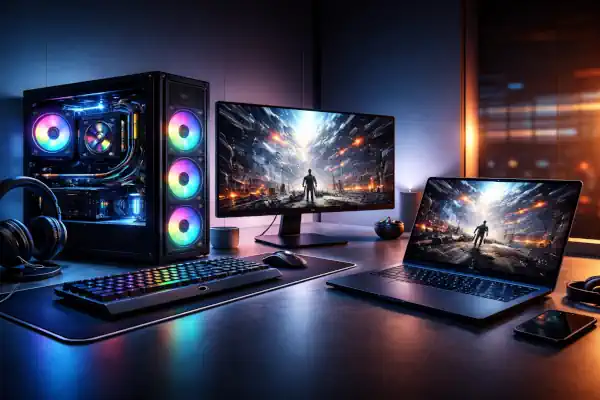
The desktop PC keeps a clear structural advantage: better cooling, broader upgrade potential, a stronger power-to-price ratio, and easier maintenance. When gaming at home is the priority, it usually remains the most rational option.
A gaming laptop follows a different logic. It can be attractive, well finished, and practical in small spaces or while traveling. But the more compact the chassis becomes, the more heat, noise, and sustained performance under load turn into critical issues. That is where the gap appears between the theoretical promise and the real experience.
In practical terms
- The laptop prioritizes mobility and space-saving
- The desktop keeps the edge in cooling and upgradeability
- The laptop requires an even more careful reading of the exact model
- The desktop is often the more rational option for long-term gaming at home
Beyond brands: reading each model carefully
Some product families immediately inspire confidence: ASUS ROG, Lenovo Legion, Alienware, MSI, or certain Acer Predator lines. But one idea is worth keeping in mind: the brand reassures, the model proves.
What really matters is the exact model: the chassis, display quality, real GPU power allocation, installed memory, thermal behavior, and overall balance. A major brand can produce an excellent machine in one range and a much more questionable product in another.
Behind a gaming PC: engineers, industry, and decades of innovation
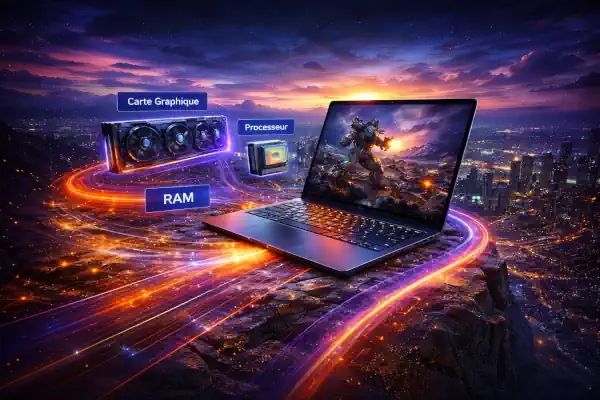
The modern gaming PC is the product of decades of engineering. Intel helped shape the architecture of the modern microprocessor, AMD strengthened competition in computing and gaming, NVIDIA turned the GPU into a central engine of contemporary rendering, and TSMC now holds a major place in advanced semiconductor manufacturing.
This perspective reminds us that a gaming PC is not just a fast-moving consumer object. It is the result of a long industrial chain built on research, miniaturization, thermal compromises, hardware architecture, and major technological choices.

The real limits: beyond the marketing narrative
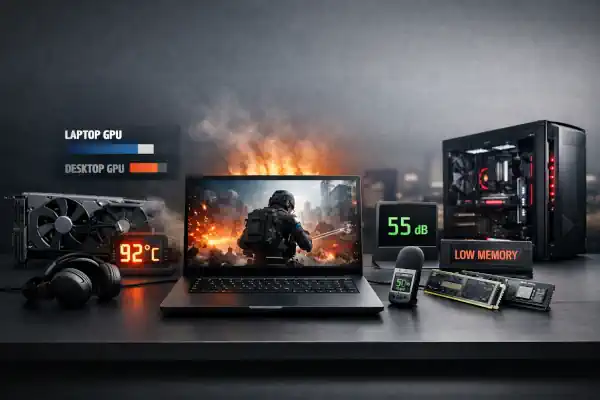
2026 hardware is impressive, but it is not magical. Marketing likes simple promises; technology progresses with very real limits: heat, noise, power variation, video memory, thermal headroom, and behaviors that change from one chassis to another.
A laptop GPU does not always behave like its desktop counterpart, and a spectacular design never guarantees platform quality. That is why you always need to look beyond the sales narrative to understand what a machine is really worth once it is loaded, cooled, and pushed in demanding games.
Future games: already thinking beyond 2026
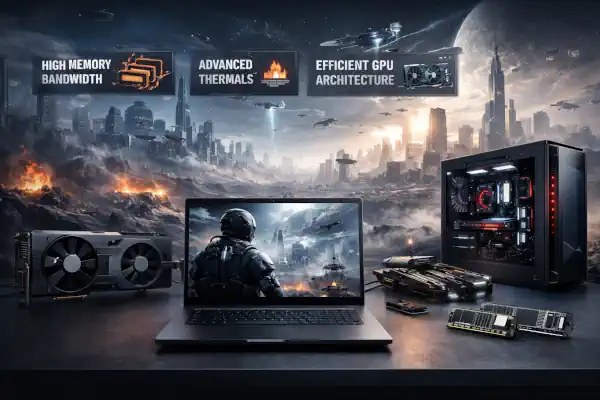
Talking about future games is not about waving an empty slogan. It means larger worlds, denser simulations, more complex lighting, heavier textures, and more ambitious physics. In plain terms: games that will ask more from the machine, not only in terms of power, but also in terms of overall balance.
Choosing a gaming PC in 2026 therefore means leaving reasonable headroom for tomorrow. The goal is not to buy the most expensive hardware blindly, but to choose a configuration that will not become restrictive the moment requirements rise.
The right machine is not the one that sounds the most impressive in a pitch. It is the one that still makes sense when you project its use over several years.
My advice: prioritize machine logic over a simple product sheet
Do not buy only a product-tier name, an LED strip, an attractive chassis, or an advertising promise. Buy into the logic of the machine.
Start with the resolution you actually want to target. Then look at the real GPU class, the role of the CPU, RAM as long-term comfort, cooling, chassis quality, and the coherence of the whole build. That is the moment when you stop being merely impressed by a product and start truly understanding what you are choosing.